

Live TV
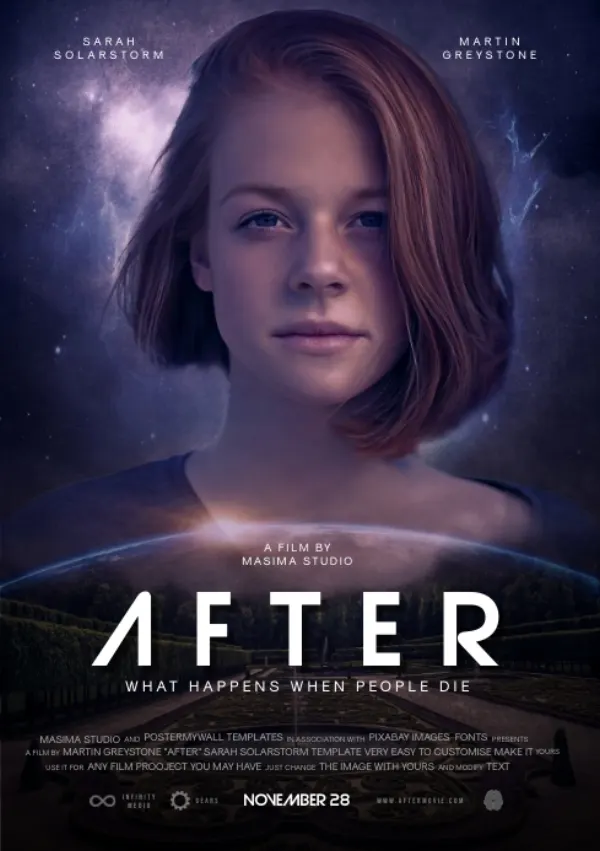
Channels open fast, with a full on-screen guide and instant zapping between favourites.
Onyx Player turns the IPTV playlist you already own into a fast, beautiful streaming experience — live TV, movies, and series, on every screen in the house.
Works with Stalker Portal, Xtream Codes and M3U · No card required
Open Onyx Player on your TV or phone and scan the code it shows. That link brings you back here with your device already recognised — then it's one short form and you're watching.
Takes about a minute
Onyx Player connects to the provider you already subscribe to. We don't supply channels, films, or series.
Onyx Player is a streaming client, not a provider. Connect a Stalker portal, an Xtream Codes account, or an M3U link, and Onyx rebuilds it into something that looks and moves like a premium streaming service — posters, guide data, instant search, and your place kept in everything.
Onyx takes the parts of IPTV that usually feel like work — sorting sources, finding a channel, remembering where you were — and makes them the easy part.
Channels open fast, with a full on-screen guide and instant zapping between favourites.
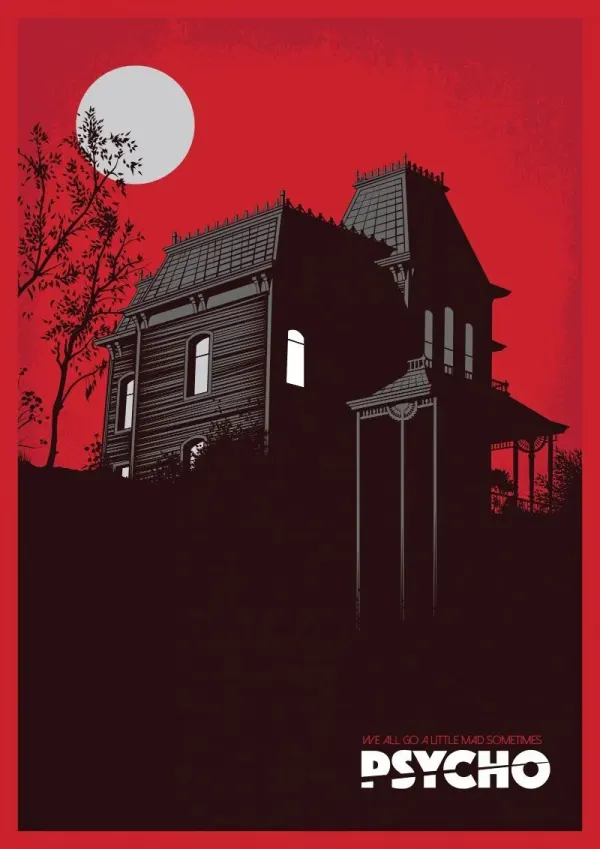
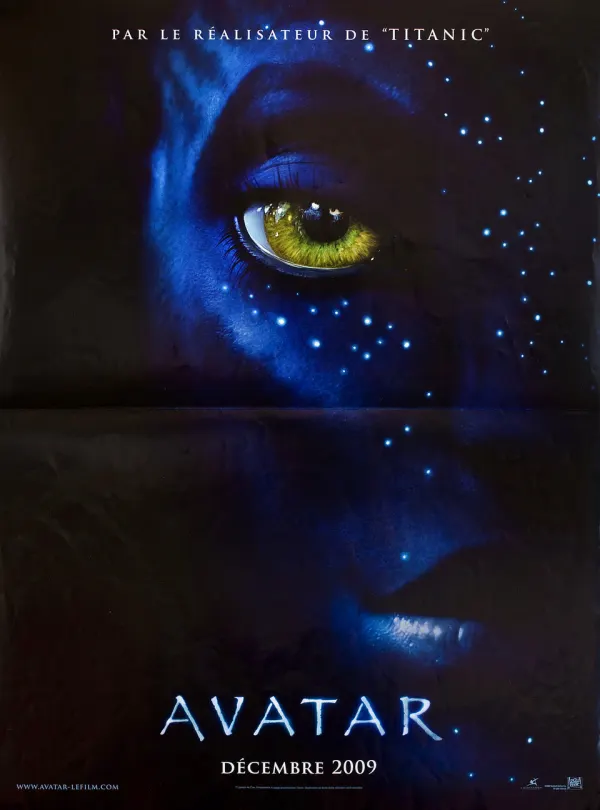
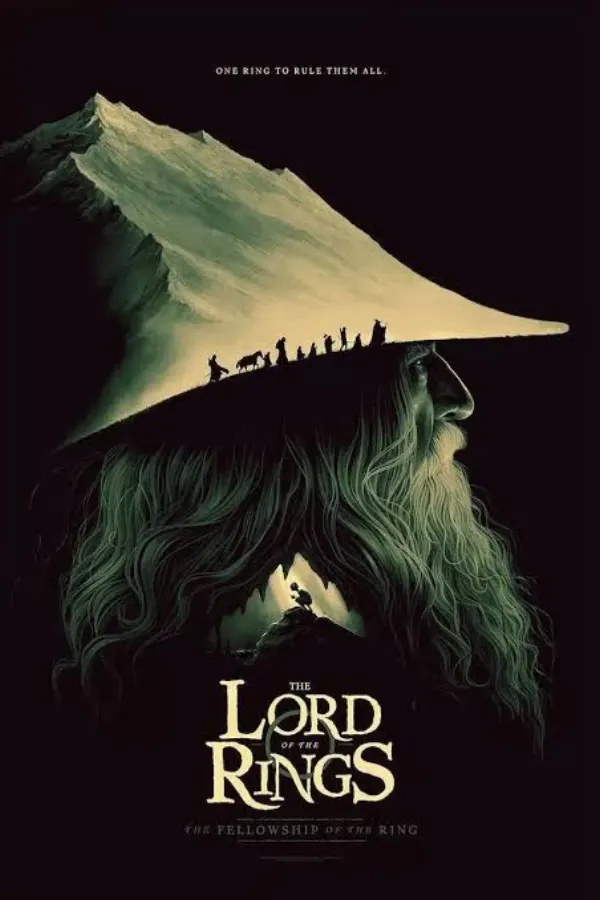
Your VOD library laid out in posters, sorted into categories you can actually browse.
Seasons and episodes organised properly, with the next episode always one click away.
Stalker, Xtream, and M3U sources side by side. Switch providers without losing your setup.
Hardware-accelerated playback with adaptive buffering that holds up on real connections.
Onyx remembers your position in every film and episode, across all your devices.
Find any channel, film, or series across every connected source as you type.
Lists stay smooth at thousands of entries, and the app cold-starts in a moment.
TV, phone, and tablet stay in sync — start on one screen and pick it up on another.
Most players treat your playlist like a spreadsheet. Onyx treats it like a streaming service — because that's how it should have felt all along.
Open it and the thing you want is already on screen. No settings maze, no menus three levels deep — the interface gets out of the way of what you came to watch.
Channels start quickly, huge lists scroll without stutter, and switching sources doesn't mean waiting through a reload.
Onyx never resells or rebroadcasts anything. It connects to the provider you already pay for and keeps those details on your device.
From a fresh install to your first channel takes a couple of minutes.
Get the app on your TV, phone, or tablet from your platform's store.
The app shows a QR code and a link. Scanning it brings you here with your device already identified.
Paste your Stalker portal, Xtream login, or M3U link into the form and start the 3-day free trial.
Your device picks the activation up on its own — your channels and library are ready.
The things people usually want to know before connecting their first playlist.
Onyx Player is a streaming app for the playlists you already own. You bring a Stalker portal, Xtream Codes login, or an M3U link, and Onyx turns it into a fast, modern interface with posters, an on-screen guide, and your place kept in everything you watch.
No. Onyx is a player, not a provider. It ships with no channels, films, or series of its own — you connect a subscription from a provider you already use, and Onyx handles the playback and the interface.
Three: Stalker Portal, Xtream Codes, and plain M3U/M3U8 links. M3U sources can also take an optional EPG URL so the guide fills in. You can keep several sources connected and switch between them.
Open Onyx Player on your TV or phone and it shows a QR code and a link. Opening that link brings you to this page with your device already identified, so you only have to paste in your playlist details and start the free trial.
Yes — every new device gets a 3-day free trial that starts the moment you connect a playlist. No card is needed to begin, and your device picks the trial up automatically once activation goes through.
Android TV and Google TV, Fire TV, Android phones and tablets, iPhone and iPad, and Apple TV. Your playlists, favourites, and Continue Watching follow you across every device signed in.
Yes. Continue Watching tracks your position in films and episodes and surfaces them on the home screen, so picking something back up is a single click from the moment you open the app.
Three days free on every new device, no card required. Connect a source and start watching in a couple of minutes.